

You can access any Exhibitor Hub directly from LiveControl, logging in and seeing everything from an Exhibitors perspective.
Go to the Exhibitor list from the Registrations menu:
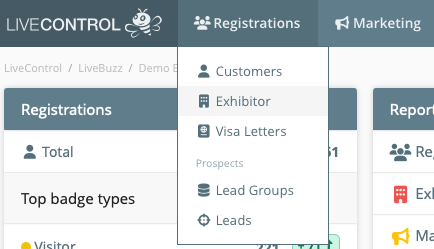 Registrations Exhibitor Badge
You can use the keyword search at the top of the screen to find a specific exhibitor:
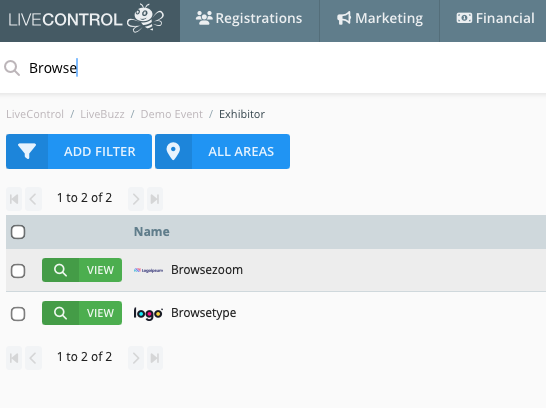 Exhibitor keyword search
Click ‘view’ to access the Exhibitor’s LiveControl profile.
From the Exhibitor Profile select ‘Actions’ in the top right hand corner and click ‘Login as Exhibitor ’:
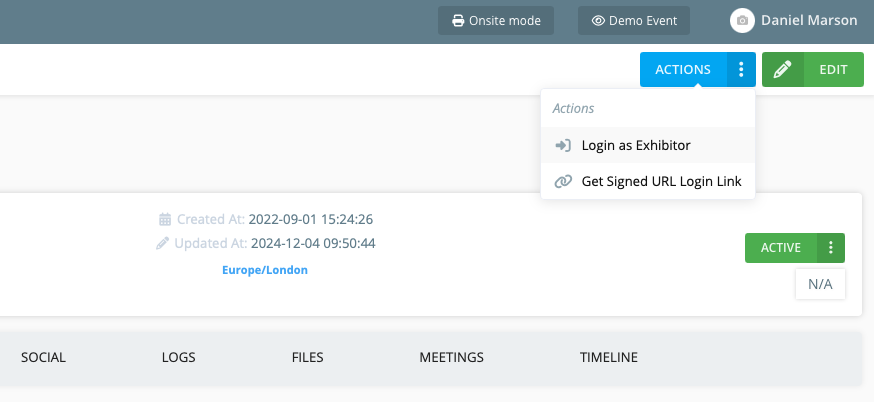 Login as exhibitor
This will take you to the main dashboard for this Exhibitor account.
If you have any further queries with accessing Exhibitor Hubs send an email to