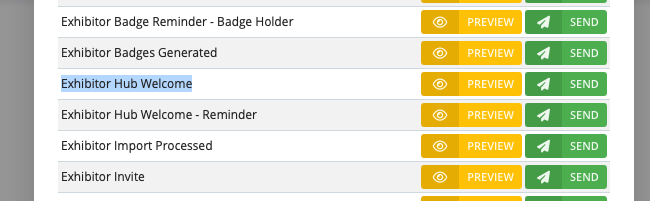
This short guide will detail how to send an exhibitor their welcome email from LiveControl. This email will contain all relevant information for them to access their Exhibitor Hub as well as Lead Capture via SmartScan and any invites and marketing materials.
First, access the Exhibitor List.
From the main dashboard, click 'registrations' and then 'Exhibitor'
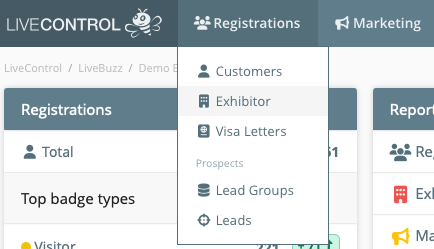
This list will display all the Exhibiting Companies that currenty exist in your campaign. You can use the keyword search to find the exhibitor and click on View or add a new Exhibiting Company
Under Customers you will see the main contact listed with /leader next to their name:
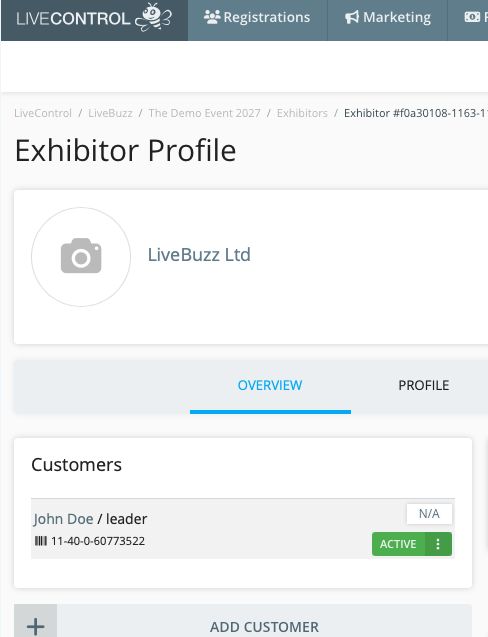
Click on the customers name to go to the Customer Profile
Once on the Customer Profile, click on Messages on the middle ribbon / tabs:
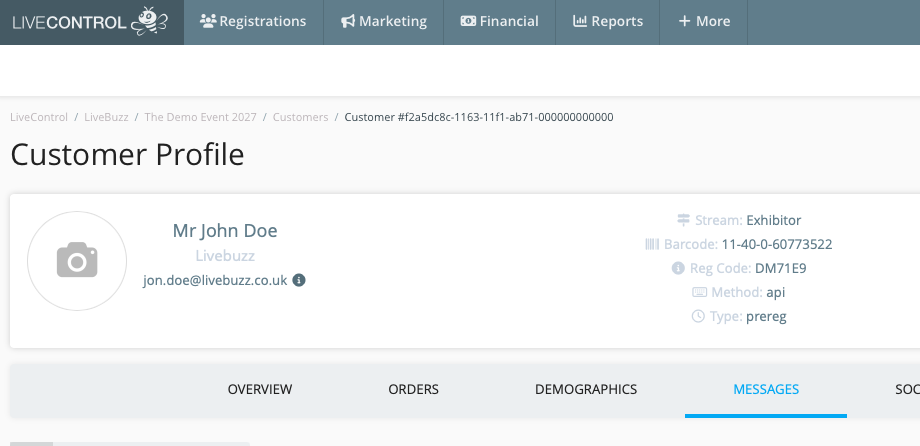
Click on Send Email Message
On the pop up / modal, you will see a list of available email message templates that can be sent. If they have been sent before they will be at the top of the list with a resend button, otherwise they will be listed in alphabetical order and have a send button next to them.