

Once you have logged in, you will first be presented with the front-end exhibitor facing side of the platform.
To get to the Dashboard click the ‘down arrow’ in the top right that is next to
‘Your Account’.
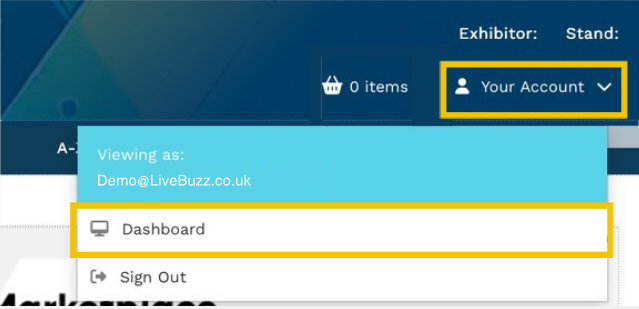
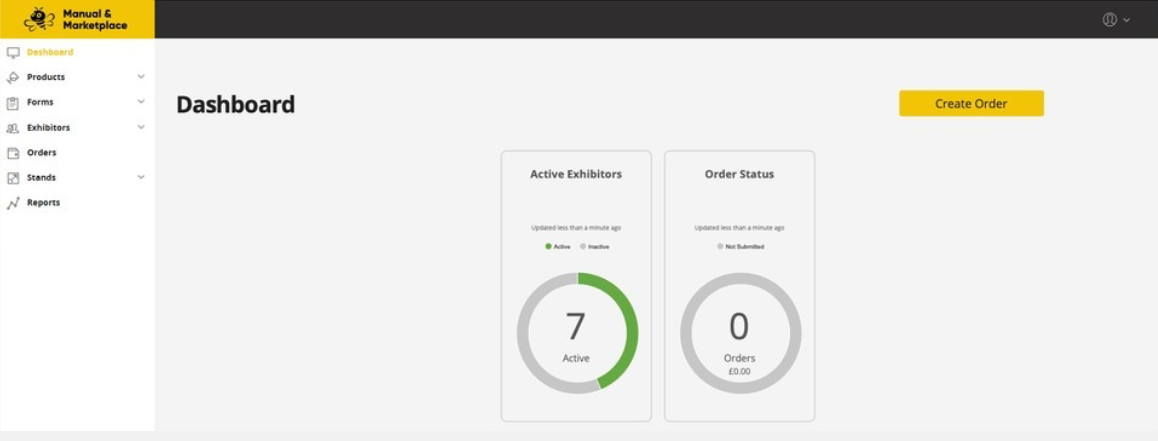
From here, you can click the ‘Dashboard’ link to get to the admin facing side of the platform.
Note
You may not be able to see all the information, tasks or content that an exhibitor does if the Organiser has filtered it in various ways.
You will also not be able to see other Contractor’s products and pricing in the front-end webshop.