Creating an Account
If this is your first time using the platform, you need to create an account. This same account can then be used on any future event you are authorised to access.
To access a given show site, you must first be authorised as Dashboard users by the LiveBuzz team. Email
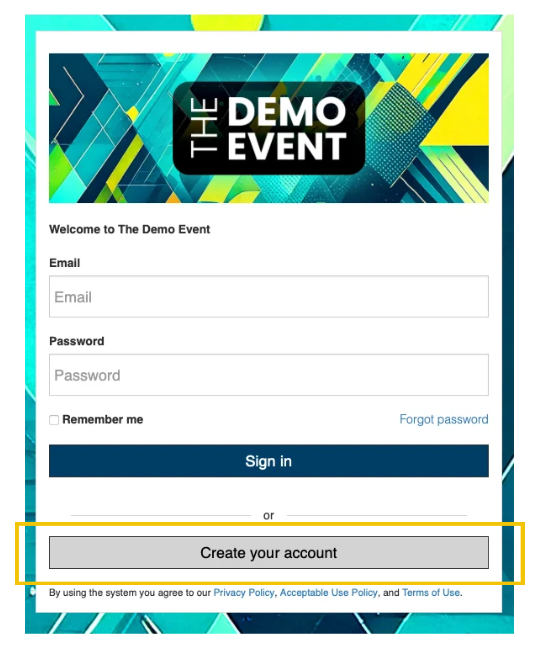
Click ‘Create your account’
Enter your email address and a password, alongside your name.
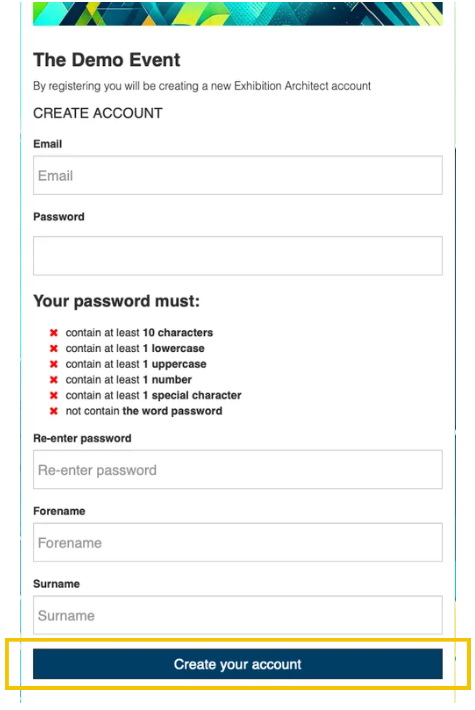
Click ‘Create your account’. You will receive an email from
Click the link in this email to confirm your email address. (if it hasn’t arrived in 15 minutes, please check your junk/spam folder).
You can now return to the event-specific URL and login.
Logging In
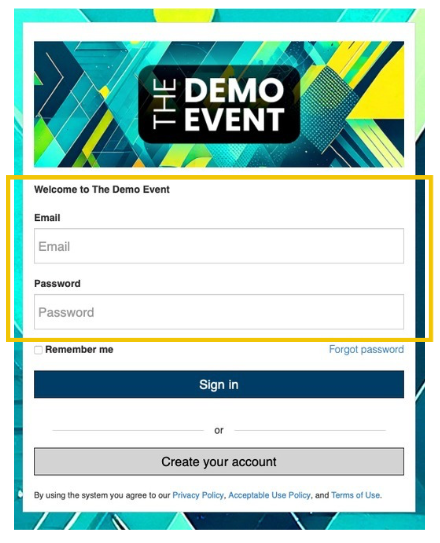
If you have pervious used Manuals and Marketplace log in to the event-specific site using your previous email and password.
You will have been sent a link to the Manual and Marketplace event-specific URL by
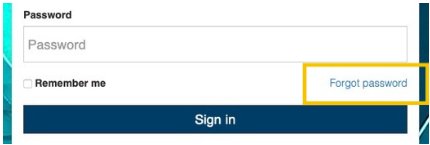
If you have forgotten your password or need to reset it, click the ‘Forgot password’ link, which will allow you to send a password reset email to yourself.