

Click on the ‘Orders’ menu item in the Dashboard. View, filter and search all Orders that have been started, submitted or confirmed that contain products you are selling.
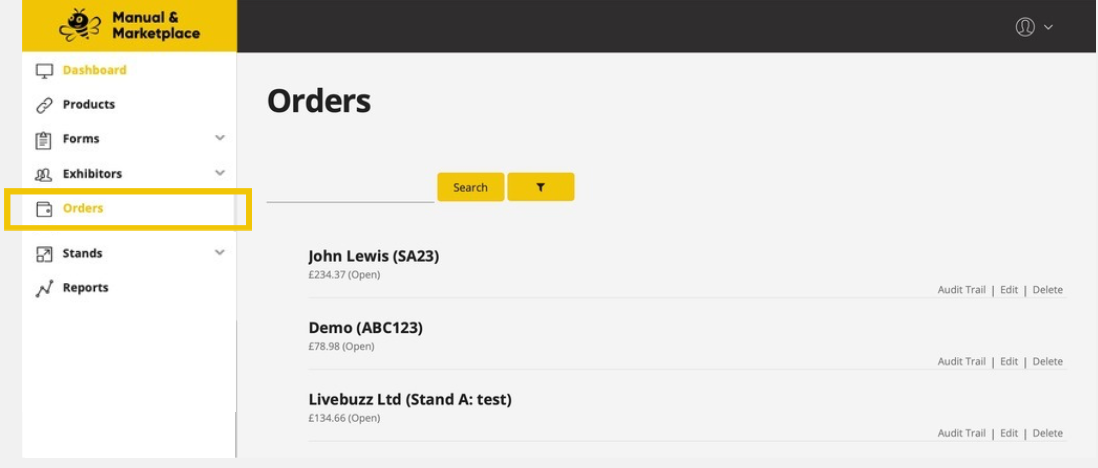 view your orders
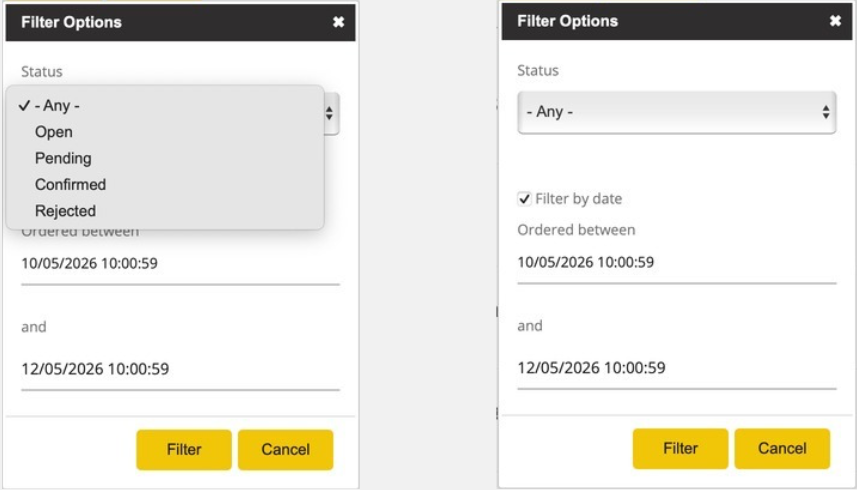
Orders can be in 1 of 3 statuses:
Open
An exhibitor has started to add items to their basket, but they have not yet checked out.
Pending
An order that has been checked out, but is awaiting manual approval by you to progress.
Confirmed
An order that has been accepted and payment received.
You can filter by status, search by exhibitor name, stand number, order ID, or exhibitor email address and scroll to find a given order.
Click to view the order items and detail.
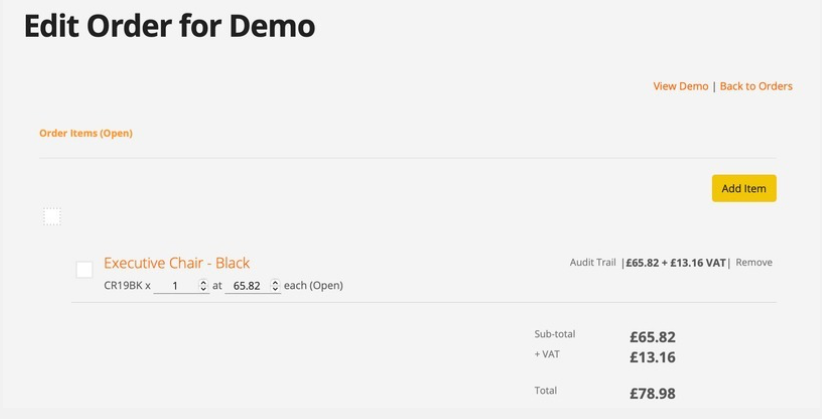
The platform adds fees on top of your prices.
Therefore, the prices you see on orders in the Dashboard are the prices the exhibitor has seen and paid. This is not the amount you will receive.