How to search for customer records in your LiveControl campaign.
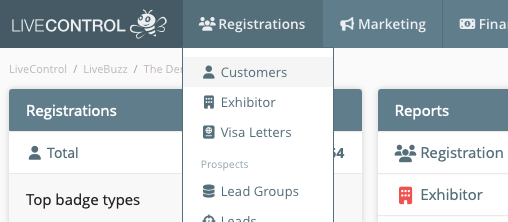
From the LiveControl Dashboard on the top menu, click on 'Registrations' then 'Customers'
You can then use the Keyword section at the top to type in the details of the customer you are trying to find. You can search using first or last name or parts thereof as well as email address or company. It doesn't have to be the full email address either, it could just be the domain such as
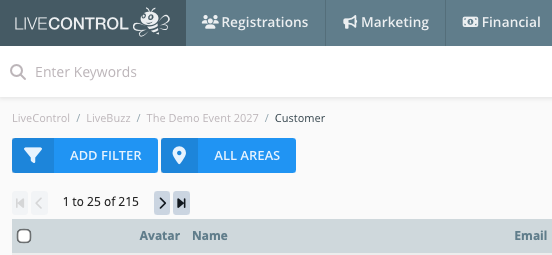
From this list you can click on 'view' next to a customers records to view more information.
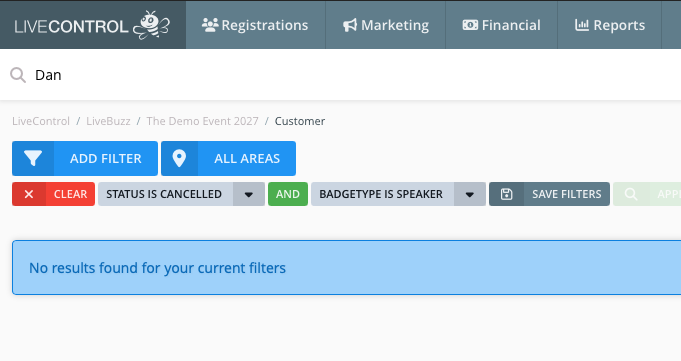
Please note, depending on your filter settings some customer might not appear, despite being in the database somewhere. You should check the filters at the top of the customer list page and clear them, if they are not relevant to your search.