

Customer Status in LiveControl can be changed from the Customer List or from the Customer Profile.
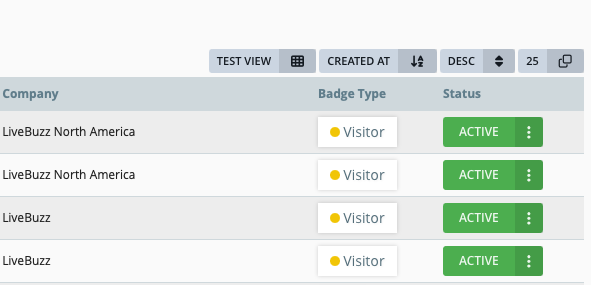
On the Customer List, using the default view, it is display to the right hand side of each customer record:
Clicking on the customers current status to show a list of available status'
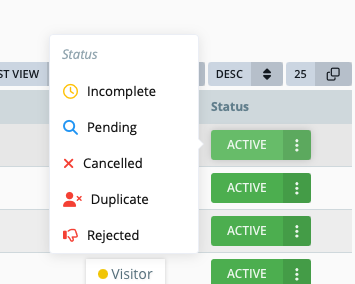
The most common change of a customer status is changing it to cancelled. This status will remove the customer from any reports, and stop counting them towards registration figures on the dashboard. It will also allow a new registration to be started using this email address.
An overview of LiveControl Customer Status' can be found here.